

What if your kitchen and a broker’s Client Area had more in common than you might expect?
Hang on, it will make sense.
In a kitchen, the counter, drawers, pantry, lighting, and labels all matter. When everything is organized, cooking feels easier. When it is not, even boiling pasta starts to feel like project management.
A broker’s Client Area works the same way.
It is where clients verify their profiles, open accounts, manage funds, check transactions, update settings, contact support, and access the tools surrounding their trading journey. If the space is clear, clients know what to do next. If it is cluttered, basic actions can quickly turn into hesitation, confusion, and support tickets.
So, what does the FXBO Client Area bring together, and what has changed in its redesigned experience?
What Is the FXBO Client Area?
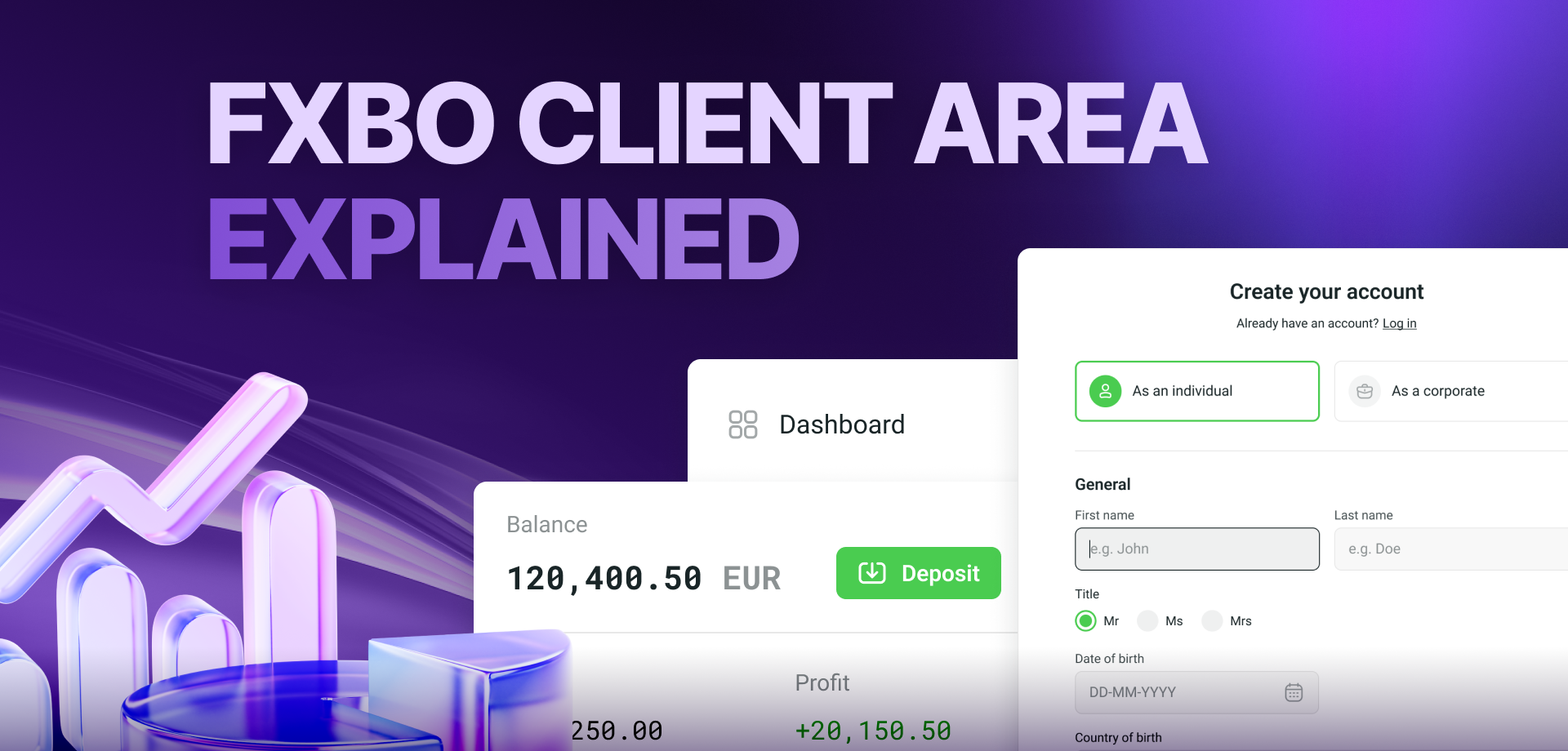
The FXBO Client Area is the secure, client-facing portal where traders, IBs, and other brokerage clients manage the practical side of their relationship with a broker.
It is not the trading platform itself. It is the space around the trading journey, connecting client-facing actions with the broker’s CRM setup, workflows, PSP configuration, permissions, branding, approval logic, and enabled modules.
Depending on the broker’s configuration, clients may use it to:
-
Complete onboarding and verification
-
Open and manage trading accounts
-
Deposit, withdraw, and transfer funds
-
Review transactions and account information
-
Update profile and security settings
-
Contact support
-
Access IB and referral tools
Think of the Client Area as a kitchen built for clients, but designed by the broker. Clients use the counters, open the labelled drawers, and reach for the tools placed in front of them. The broker decides what goes where, what appears on the menu, and how the whole kitchen operates behind the cupboards.
With FXBO, brokers can configure the Client Area’s branding, colors, content, menus, and workflows around their setup and enabled features, while the available functionality reflects the way each brokerage is configured.
What Can Clients Do in the FXBO Client Area? 
1-Move Through Onboarding and Verification
Before clients can begin trading, they may need to register, verify their contact details, complete questionnaires, pass appropriateness checks, or provide KYC documents.
The FXBO Client Area gives them a central place to complete the steps required by the broker. Depending on the configured workflow and connected providers, this can include email and profile verification, document uploads, proof of identity or address, questionnaires, and visibility into missing requirements.
Instead of searching for the digital equivalent of a missing measuring spoon, clients can see what needs attention and continue from there.
2-Open and Manage Trading Accounts
Clients can open Live or Demo accounts from the Trader menu or through available quick-access options.
Once an account is open, they can view key information such as:
-
Account type and platform login
-
Leverage and currency
-
Balance, credit, equity, and margin
-
Account statistics and trading history
Certain account actions, including credential or leverage changes, may also be available depending on the broker’s permissions and configuration.
Sensitive credential changes can be protected through email PIN verification. SMS or WhatsApp verification may also be available when the relevant CM.com services are configured.
3-Manage Funds and Track Transactions
Depending on the broker’s PSP setup and approval rules, clients can access deposits, withdrawals, internal transfers, transfers to another client, payment details, and transaction history.
They can view information such as the transaction type, status, payment system, account, date, and amount. Pending withdrawals or transfers may also be cancellable where the configuration allows it.
This visibility answers a common support question before it needs to be asked: “What happened to my money?”
The buttons clients see may look simple, but the workflow behind them follows the broker’s configured payment systems, conditions, and approval logic.
4-Update Profiles, Security, and Preferences
Clients can manage selected personal, access, and communication settings without contacting support for every small change.
Depending on the broker’s setup, these can include password updates, email change requests, communication language, two-factor authentication, and notification preferences.
Brokers can also configure how long clients remain logged in, both with and without the “Remember Me” option enabled.
5-Reach the Help Desk
When the Help Desk is enabled, clients can open tickets and track open or closed requests from within the FXBO Client Area.
New tickets appear in the CRM with their support status, connecting the client-facing request to the team handling it. Support therefore remains part of the same journey rather than becoming a separate panic button floating outside it.
Other communication options, such as live chat, depend on the broker’s configuration and enabled services.
6-Access IB and Referral Tools
The FXBO Client Area can also support IB and referral journeys when the relevant functionality is enabled.
IBs may be able to access referral information, links, banners, commissions, and other partnership tools according to the broker’s setup and their permissions.
Keeping Trader and IB journeys distinct helps avoid one overcrowded drawer where every tool has been thrown together.
What Changed in the Redesigned FXBO Client Area?
The kitchen has not been rebuilt from the foundations. The core functionality is still there. What has changed is how clearly everything is arranged.
The Island Theme introduces redesigned dashboards and a refreshed visual experience intended to make important information and everyday actions easier to find.

1- A New Trader Dashboard
The redesigned Trader Dashboard gives clients a cleaner overview of their brokerage activity and quicker access to the actions they use most.
Stronger visual hierarchy helps separate key information from secondary details, so the dashboard feels less like a collection of widgets and more like a useful starting point.
2- A Refreshed IB Dashboard
The redesigned IB Dashboard gives partners a clearer view of their network and performance.
Depending on the broker’s setup, IBs can view information such as wallet balance, direct and total referrals, sub-IBs, first-time-deposit performance, commissions, traded lots, and referral-network activity.
This gives IBs a more useful overview without requiring them to piece their performance together from several screens.
3- Clearer Trader and IB Navigation
The refreshed navigation separates Trader and IB menus more clearly, while additional menu items can appear according to enabled modules and user permissions.
Everyday actions such as profile access, messages, language selection, Help Desk, manager contact, and logout are also easier to reach through the top navigation.
Different users can therefore follow different journeys without the menu feeling like one crowded cabinet.
4- Smarter Account Visibility
Trading-account functionality can appear according to the client’s profile and permissions in the FXBO CRM.
This helps keep the experience relevant. After all, clients do not need every drawer open at once. They need the right tools for the journey available to them.
5- A Clearer Account-Opening Summary
Clients can still open Live or Demo accounts through the Trader menu or quick-access buttons, but the redesigned journey introduces an account-opening summary.
This gives clients a clearer view of what they are opening before they continue, making the process easier to review without slowing it down.
6- Improved Account Overview and Analytics
The redesigned account view brings important trading-account details together more clearly, including account type, platform login, leverage, currency, balance, credit, equity, and margin.
Improved graphs and more granular analytics also help clients understand account activity without having to ask support for basic information.
7- Better Transaction Transparency
The redesigned FXBO Client Area experience makes financial activity easier to review by presenting transaction details and statuses more clearly.
Clients can see what is pending, completed, rejected, or cancelled, along with relevant payment, account, date, and amount information where available.
Better visibility does not change the broker’s payment rules. It makes the outcome of those rules easier for the client to follow.
The Island Theme Is the New Look, Not a New Rulebook
The redesigned dashboards and visual changes described above are exclusive to the Island Theme.
The wider capabilities of the FXBO Client Area continue to depend on each broker’s configuration, connected providers, permissions, and enabled modules. The Island Theme refreshes how that experience is presented; it does not make every optional feature universal.
A Fresh FXBO Client Area Designed Around the Journey
A Client Area should not make clients search through random drawers. It should guide them from one action to the next.
That is what the FXBO Client Area is built to support: a configurable client-facing environment connected to the wider FXBO CRM ecosystem, from onboarding and account visibility to payments, support, and IB activity.
The core tools remain in place. With the redesigned Island Theme experience, they are simply easier to find, read, and use.
Ready to give your clients a cleaner route through their brokerage journey? Request an FXBO CRM demo today.